




Monitor Arm Buying Guide: How to Pick One That Won’t Sag
Pick a monitor arm that holds its position: check your monitor's weight and VESA pattern, choose single, dual, wall or sit-stand, and make sure your desk fits.


Buying guide
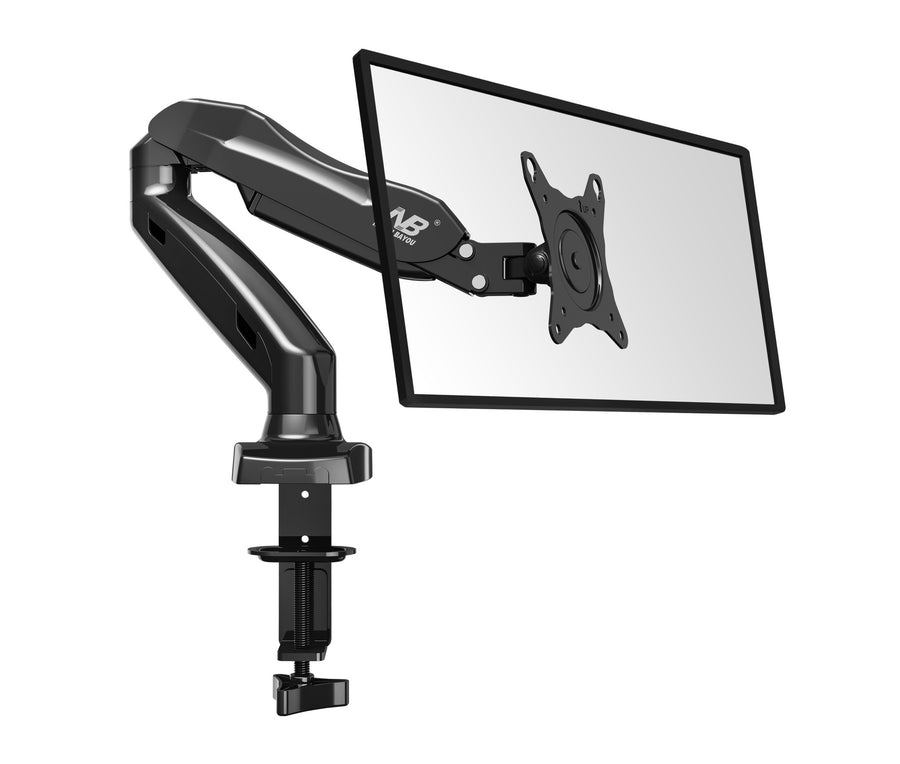
Three gas-spring arms, three weight classes. A straight comparison of North Bayou’s F80, F85A and F45, so you buy the one that holds your monitor exactly where you put it.
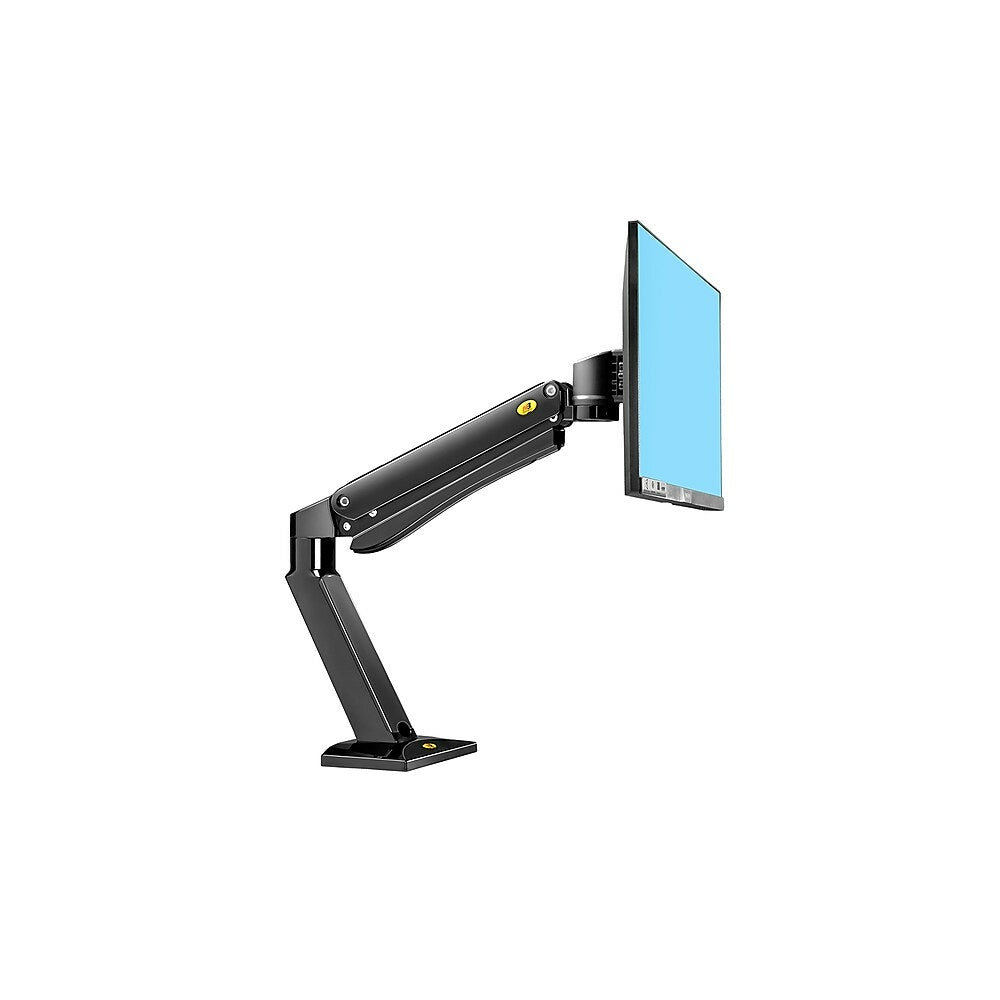
North Bayou’s single monitor arms look alike, and all three do the same job: float your screen above the desk and hold it wherever you put it. The difference is how much screen each one is built to carry. Choose by weight first and inches second, and you will get it right.
| Spec | F80 | F85A | F45 |
|---|---|---|---|
| Screen size | 17–27 in | 22–32 in | 27–40 in |
| Weight range | 4.4–14.3 lb | 4.4–17.6 lb | 4.4–33 lb |
| Height travel | 9.8 in | 11.6 in | 17.3 in |
| Tilt | −50° to +35° | −55° to +8° | −12° to +12° |
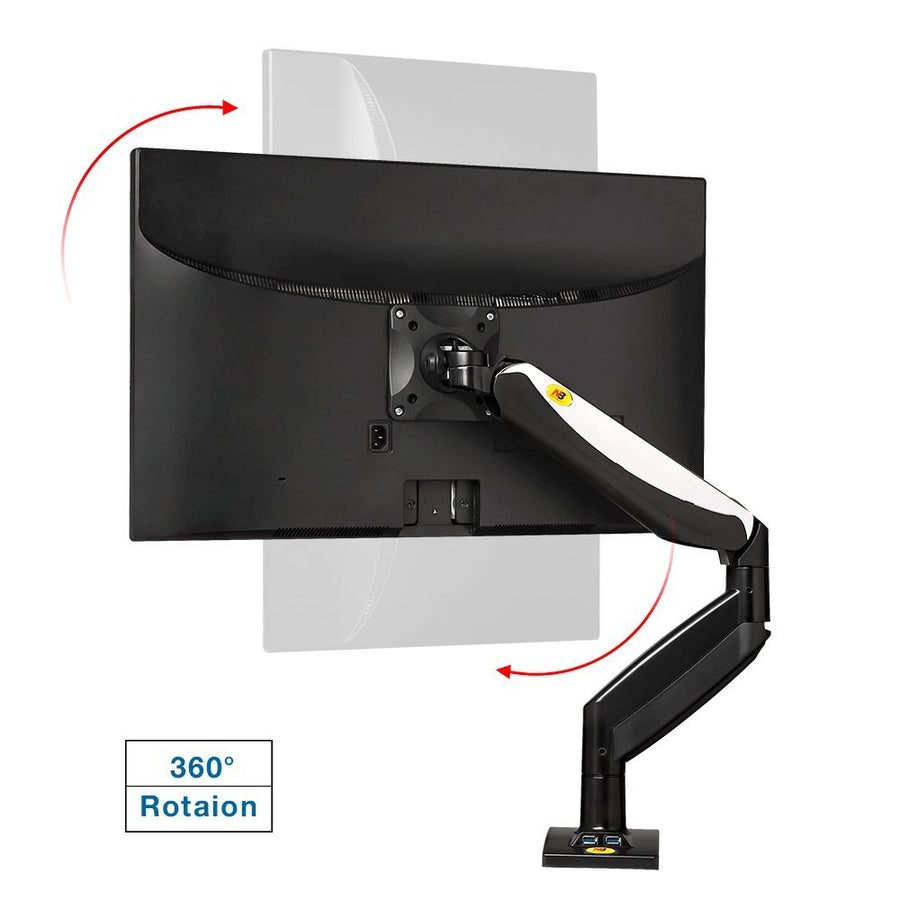
| Rotation | Portrait and landscape | 360° | 360° |
| Extras | Clamp or grommet mount | Two USB ports | Reach up to 27.4 in |
All three fit VESA 75 × 75 and 100 × 100 mm and include cable management.
The F80 is one of our best sellers for a reason. It suits the 22 to 27 in monitors most people own, weighs little, and installs with either a desk clamp or a grommet bolt. If your monitor is 14.3 lb or less without its stand, start here.

The F85A steps up to 17.6 lb and 32 in, with more height travel and two USB ports in the base for a keyboard, mouse or charging cable. Choose it for a 32 in 4K monitor or a heavier 27 in gaming display.

The F45 is the heavy lifter: 27–40 in screens up to 33 lb, 17.3 in of height travel and up to 27.4 in of reach. Ultrawide and curved monitors carry their weight further forward than flat ones, so an arm with capacity to spare holds them steadier.

Lighter than 4.4 lb? A gas spring cannot balance a screen below its minimum, so a very light portable monitor will drift upward on any of these arms.
Once it arrives, our monitor arm installation guide will have it set up in fifteen minutes. Browse all monitor arms and workstations, or send us your monitor model and we will confirm the fit.
Pick a monitor arm that holds its position: check your monitor's weight and VESA pattern, choose single, dual, wall or sit-stand, and make sure your desk fits.
Two screens, one clamp, a clear desk. How to choose between the F160 and H180 dual monitor arms, lay out your screens and avoid the three most common...
Clamp it, hang the monitor, set the tension. A step-by-step install for gas-spring monitor arms, plus the two-minute fix for an arm that droops or drifts upward.
Try the mount finder for an instant match, or send us your screen model and wall type and we'll recommend a mount.

