




Dual Monitor Arm Setup: Side by Side, Stacked or Portrait?
Two screens, one clamp, a clear desk. How to choose between the F160 and H180 dual monitor arms, lay out your screens and avoid the three most common...


Buying guide
Pick a monitor arm that holds its position: check your monitor's weight and VESA pattern, choose single, dual, wall or sit-stand, and make sure your desk fits.
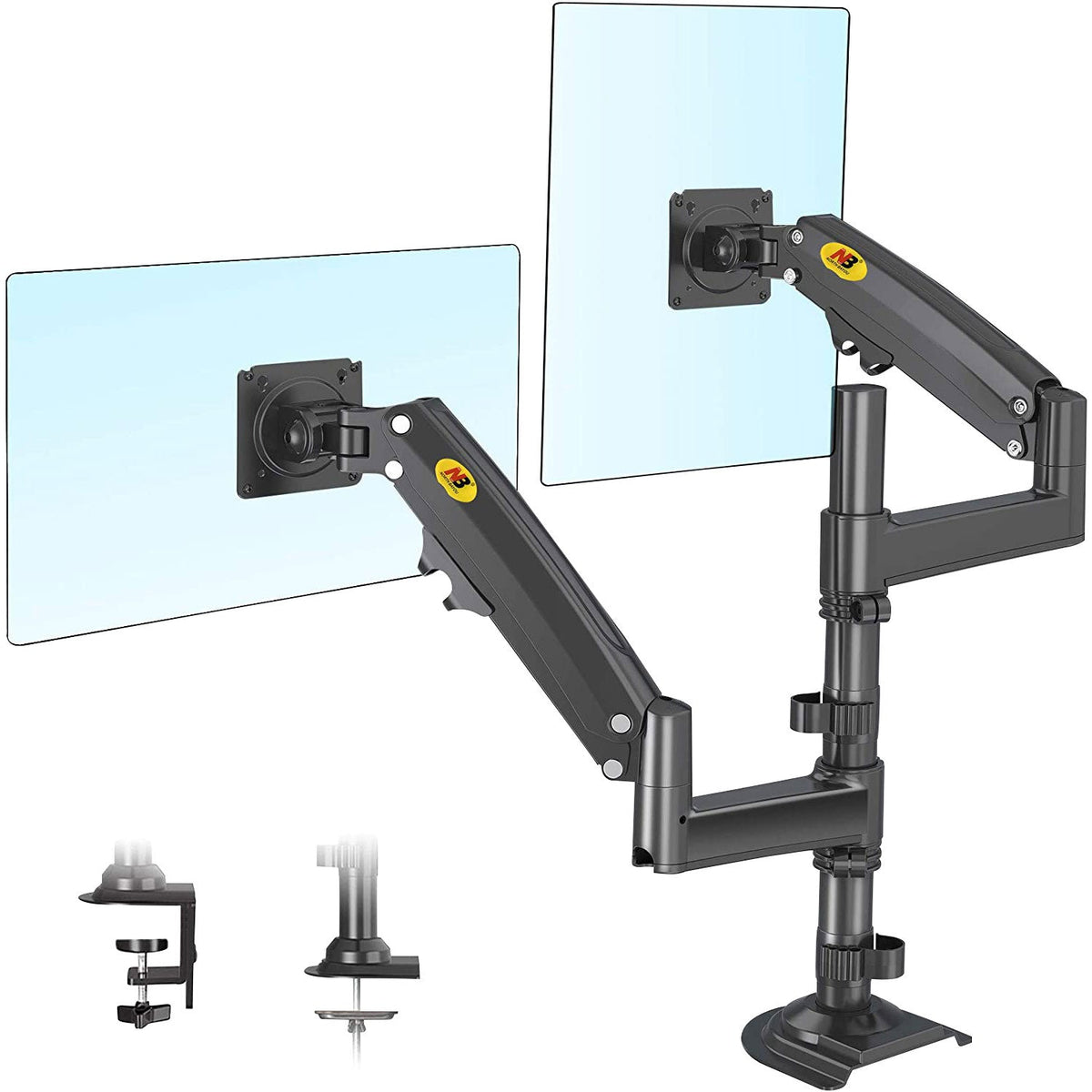
A good monitor arm frees up desk space and puts your screen exactly where your eyes want it. To get one that holds its position, check four things: your monitor’s weight, its VESA pattern, how many screens you need and how the arm attaches to your desk.
The short version
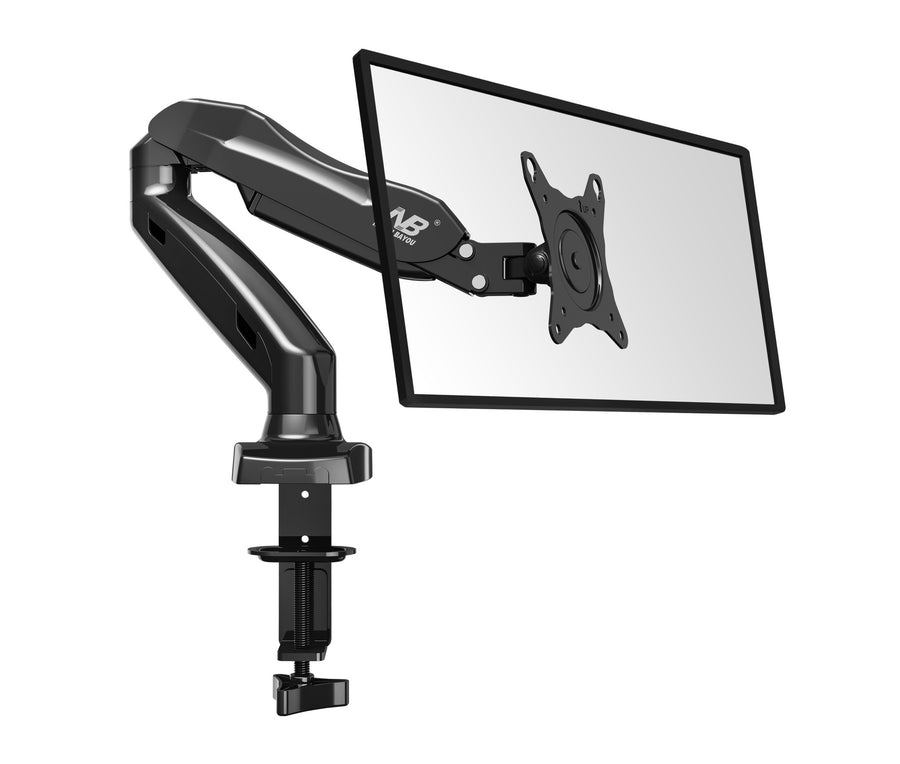
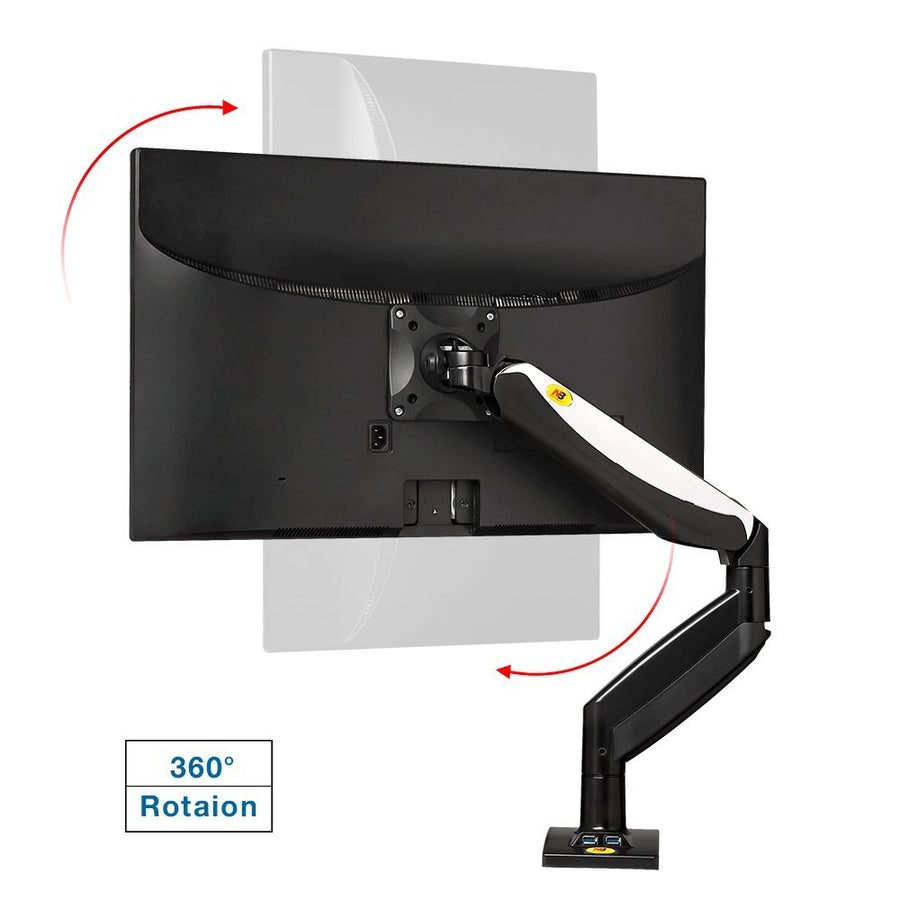
Most monitor stands only tilt and perhaps rise a little. An arm lets you set the height, distance and angle independently, rotate the screen to portrait, and push it out of the way when you need the desk. The Canadian Centre for Occupational Health and Safety recommends positioning the monitor with the top of the screen at or slightly below eye level, about an arm’s length away. An arm makes that easy to get right.
Gas-spring arms are balanced for a weight range. A monitor lighter than the range may drift up, and a heavier one may sag. Use the weight of the monitor without its stand, from the spec sheet, and choose an arm whose range includes it:
| Model | Screens | Screen size | Load per arm |
|---|---|---|---|
| F80 | 1 | 17–27 in | 4.4–14.3 lb |
| F85A | 1 | 22–32 in | 4.4–17.6 lb |
| F45 | 1 | 27–40 in | 4.4–33 lb |
| F160 | 2 | 17–27 in | 4.4–14.3 lb |
| H180 | 2 | 22–32 in | 4.4–33 lb |
| F150 (wall) | 1 | 17–27 in | 4.4–14.3 lb |
Gas-spring arms usually have a tension adjustment, so once the monitor is on, you can fine-tune the spring until the screen stays exactly where you leave it. Our monitor arm installation guide shows how, and how to fix an arm that sags or floats up.

The arms above fit VESA 75 × 75 and 100 × 100, the standard on most computer monitors. Here is how to check your monitor’s VESA pattern.
Desk-mounted arms attach in one of two ways: an edge clamp that grips the back of the desk, or a grommet mount that bolts through a hole in the desktop.
Before you order:
Browse all monitor arms and workstations, or email service@tvmountscanada.com with your monitor model and we will recommend a fit. Every order ships free across Canada.
Two screens, one clamp, a clear desk. How to choose between the F160 and H180 dual monitor arms, lay out your screens and avoid the three most common...
Clamp it, hang the monitor, set the tension. A step-by-step install for gas-spring monitor arms, plus the two-minute fix for an arm that droops or drifts upward.
Three gas-spring arms, three weight classes. A straight comparison of North Bayou’s F80, F85A and F45, so you buy the one that holds your monitor exactly where you...
Try the mount finder for an instant match, or send us your screen model and wall type and we'll recommend a mount.

