

Standing Desk vs Desk Converter: Which Sit-Stand Setup Should You Buy?
A full electric desk, a converter that sits on the desk you own, or an arm that lifts your monitor and keyboard together. Here is how the three...


How-to
Most standing desks end up parked at sitting height. Set yours up properly in ten minutes: the right heights for sitting and standing, where the monitor goes, and a schedule you will actually keep.
The hardest part of owning a standing desk is using it. Most end up parked at sitting height within a month, usually because the standing position never felt quite right. Ten minutes of setup fixes that. Here are the four steps.
The short version
Sit with your feet flat on the floor and your knees at roughly a right angle. Lower or raise the desk until your forearms rest level on the surface with your elbows at about 90°. If your shoulders creep up toward your ears, the desk is too high.
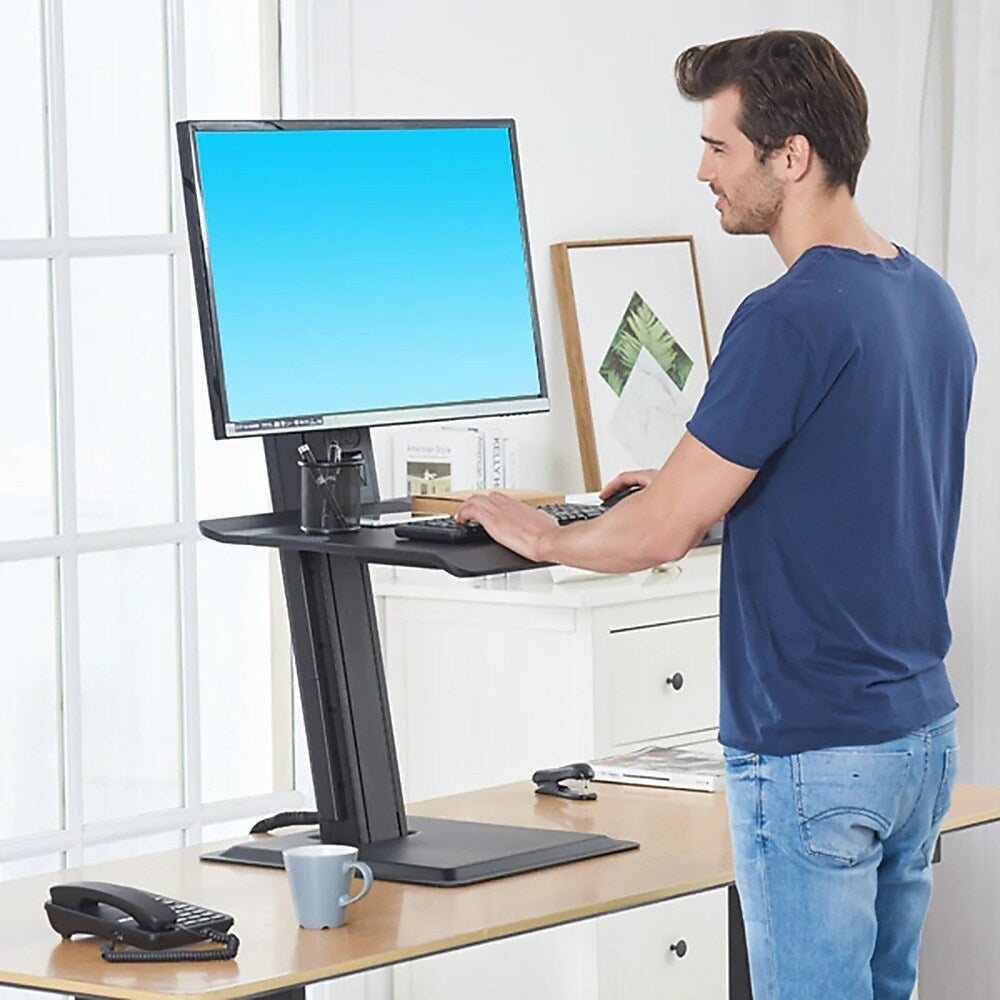
Stand tall with your shoulders down and bend your elbows to 90°. The desk surface, or the keyboard platform on a converter, should meet your hands right there. Your wrists stay straight and your shoulders stay loose.
Save both positions. The Ljubljana electric standing desk has four memory presets, enough for two people to each keep a sitting and a standing height.

The Canadian Centre for Occupational Health and Safety recommends the same rule sitting or standing: the top of the screen at or slightly below eye level, at about an arm’s length. Its monitor positioning guide covers bifocals and dual screens too.
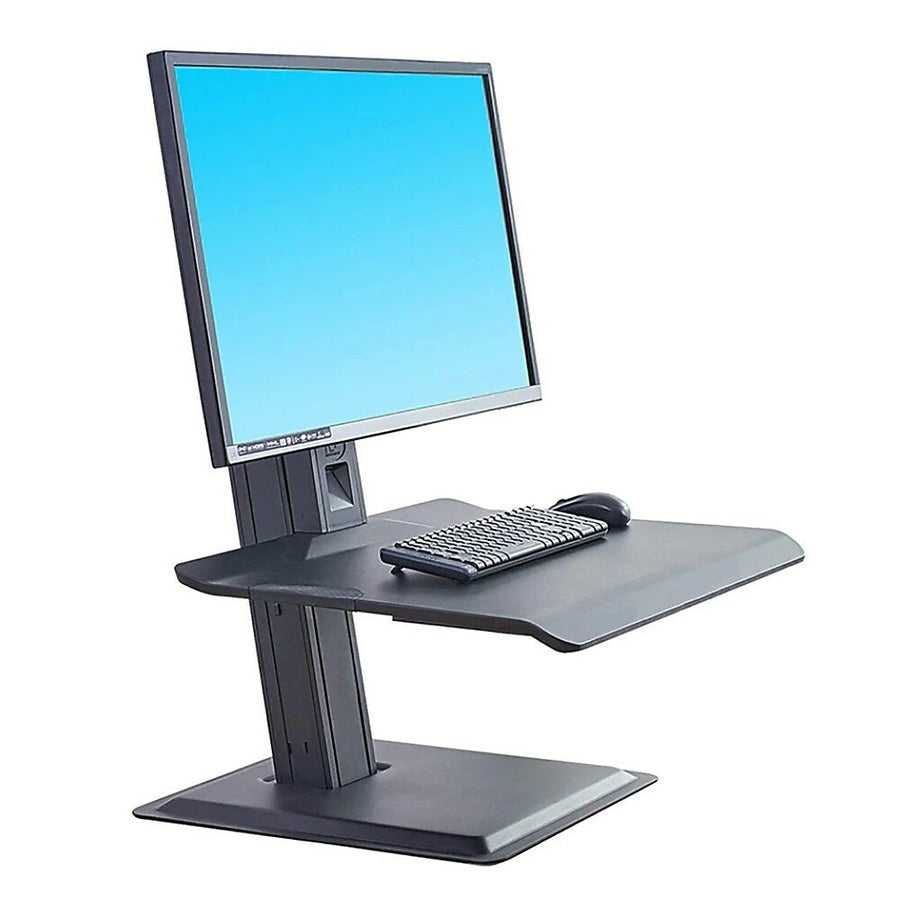
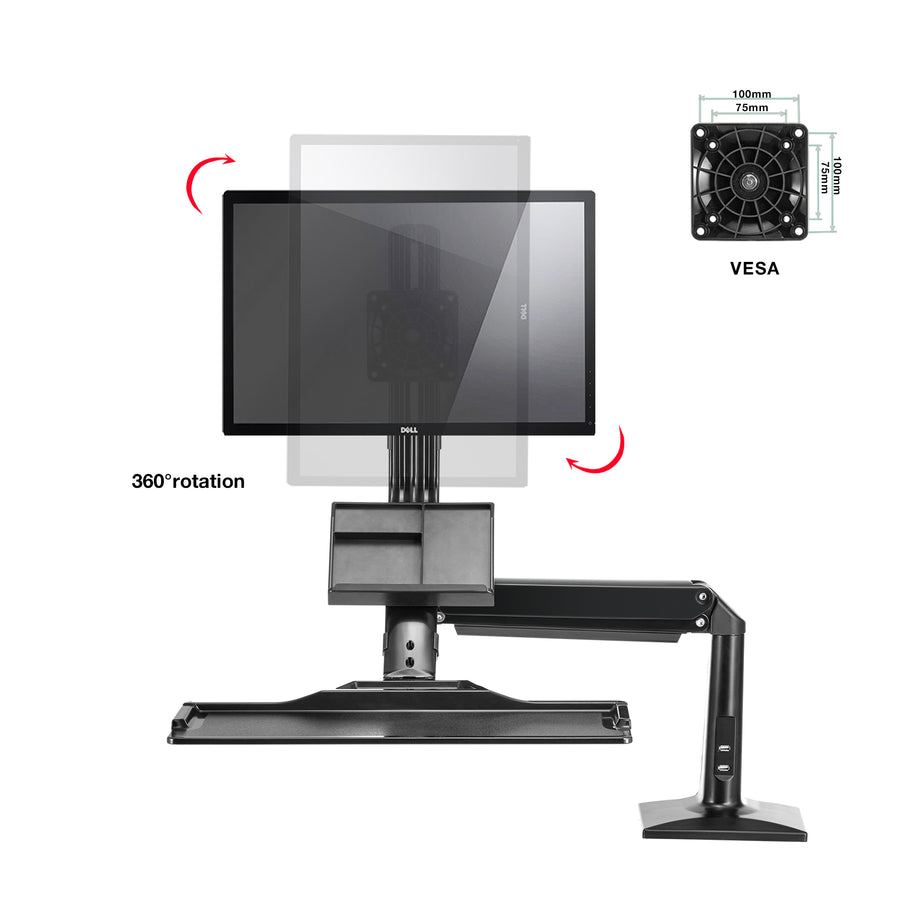
On a full standing desk the monitor rises with the surface, so the relationship stays the same. On a converter such as the ST15, the monitor mount adjusts separately from the keyboard platform, so you can fine-tune both. A monitor arm on a standing desk makes small corrections effortless.
Standing all day is not the goal. Research from the University of Waterloo suggests a sit-to-stand ratio between 1:1 and 1:3, which works out to standing for 30 to 45 minutes of each hour. The same study found that standing for two hours without a break gave half of the participants low back pain.
Dealing with back or joint pain? Check with a health professional about what suits you.
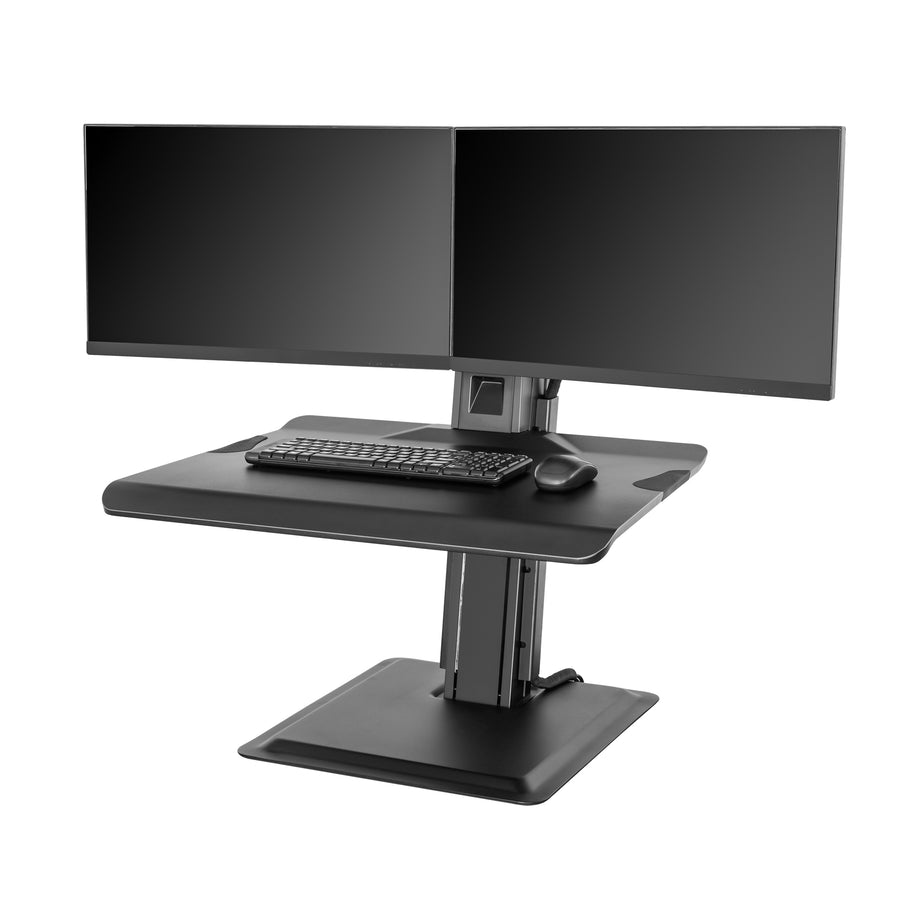
You have three ways to get one: a full electric desk, a converter such as the ST15-2A that sits on your current desk, or a clamp-on workstation arm such as the FC35-B. We compare them in standing desk vs desk converter.

Browse standing desks and sit-stand workstations. Every order ships free across Canada.
Sit-Stand Workstation
1 × 22–32 in · Desk converter
Sit-Stand Workstation
2 × 19–27 in · Desk converter
A full electric desk, a converter that sits on the desk you own, or an arm that lifts your monitor and keyboard together. Here is how the three...
It looks great in photos, but heat and neck strain ruin a lot of fireplace TVs. Run these four checks first, then pick a mount that tilts or...
A TV mount is only as strong as what it is bolted to. Learn to find the centre of a wall stud in six simple steps, prove it...
Try the mount finder for an instant match, or send us your screen model and wall type and we'll recommend a mount.

