



How to Set Up a Sit-Stand Desk: Heights, Posture and a Routine That Sticks
Most standing desks end up parked at sitting height. Set yours up properly in ten minutes: the right heights for sitting and standing, where the monitor goes, and...


Buying guide
A full electric desk, a converter that sits on the desk you own, or an arm that lifts your monitor and keyboard together. Here is how the three sit-stand options compare.
You do not have to throw out your desk to stop sitting all day. There are three ways to build a sit-stand workspace, and the right one depends on the desk you have, the screens you use and how much you want to change.
The short version
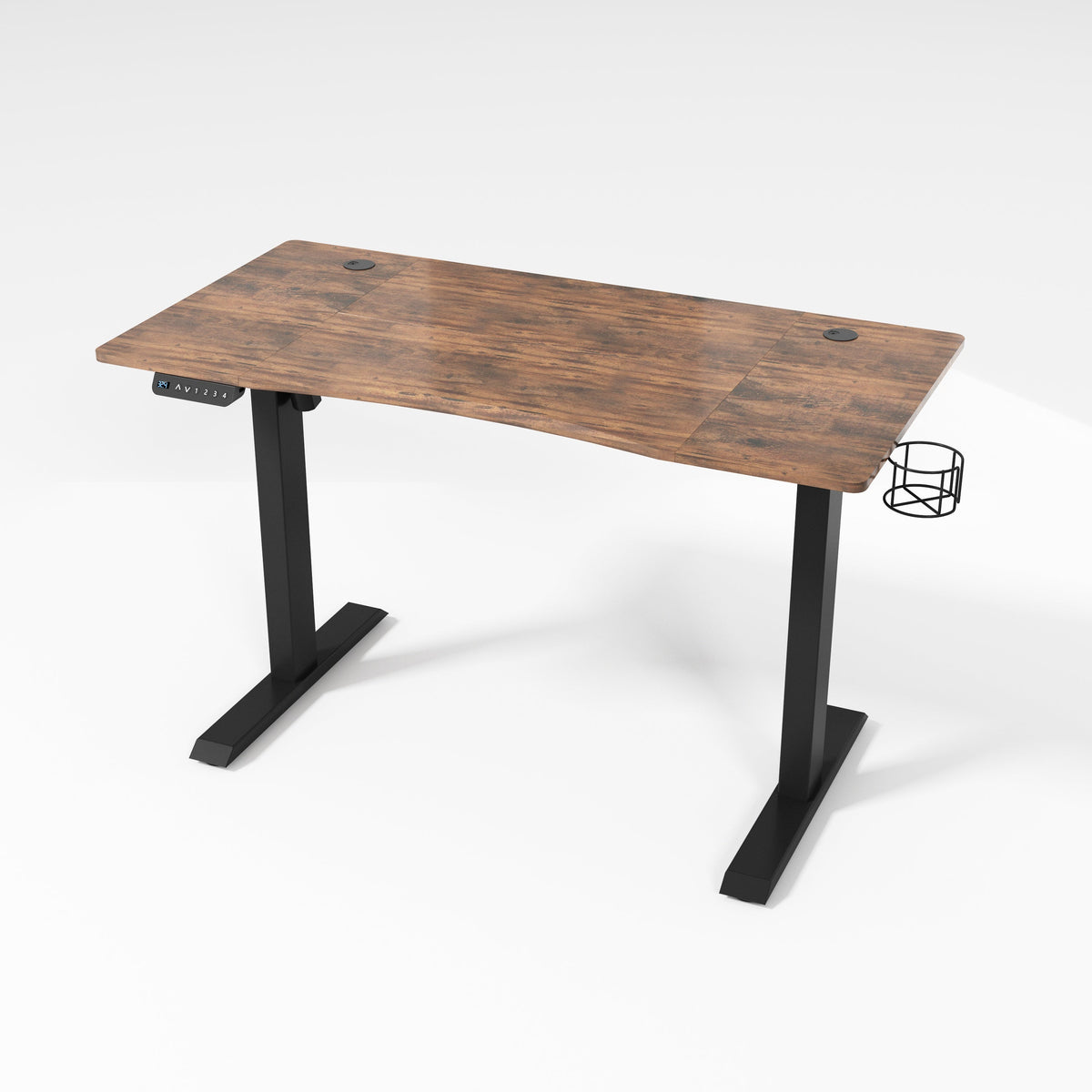
With a full standing desk, everything rises together: monitors, keyboard, notebook and coffee. The Ljubljana electric standing desk uses a push-button controller with four memory presets, so your sitting and standing heights are one press away. It has a steel frame, a 186 lb listed load capacity and a desktop 120 or 140 cm wide by 60 cm deep.

Choose it if you are furnishing a new office, you spread out with paper and devices, or two people share the desk and each wants saved heights.
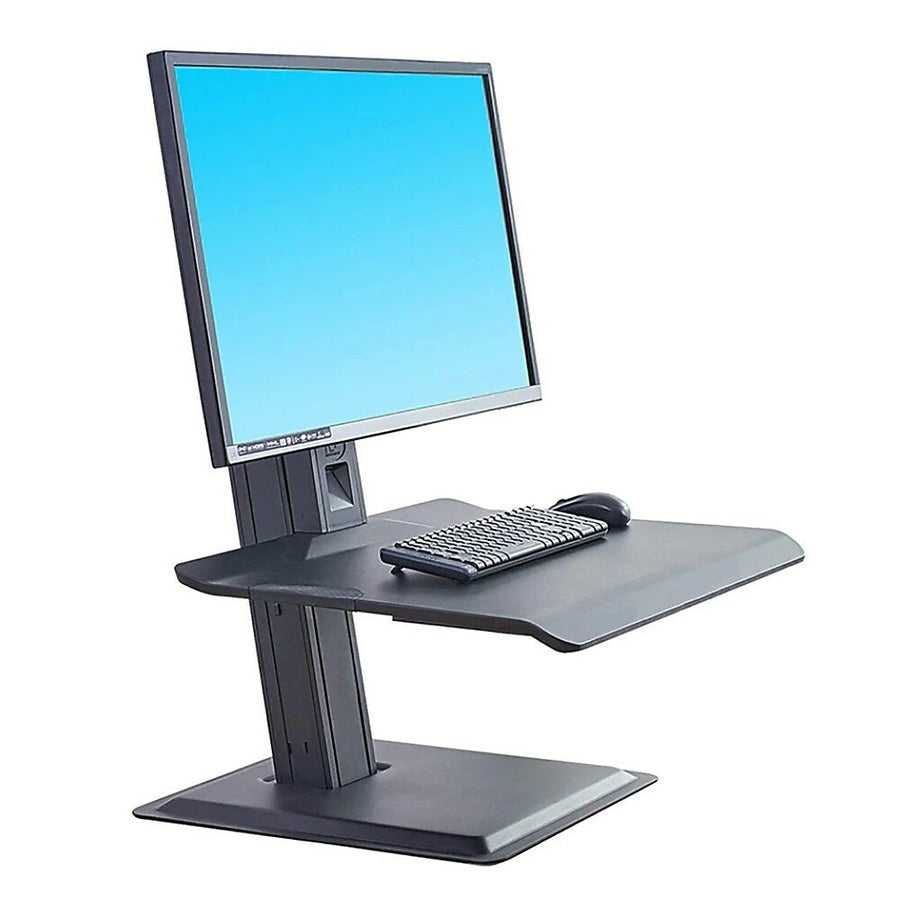
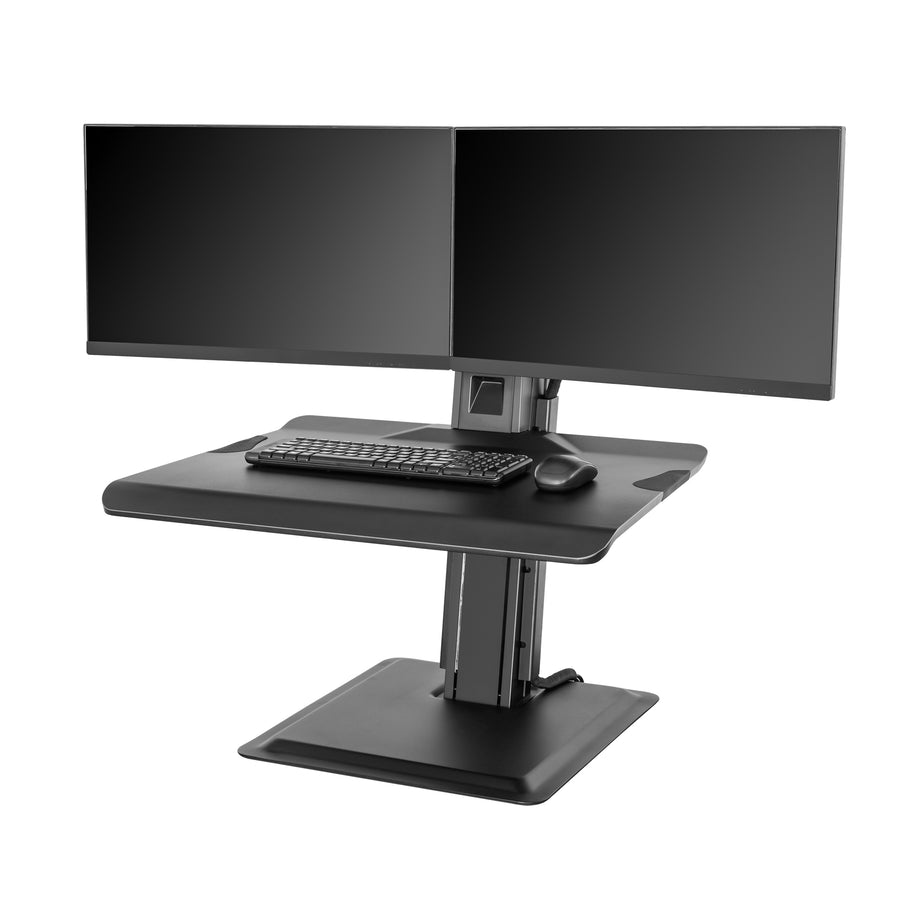
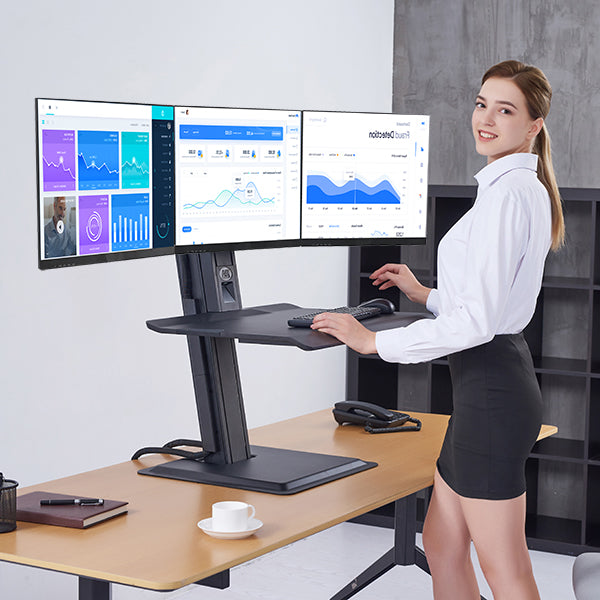
A converter is a self-contained platform that sits on your existing desk. A counterbalance mechanism lifts the monitors and a keyboard surface together. There is nothing to clamp or assemble into the desk itself.

Choose it if you like your current desk, you run more than one monitor, or you want a setup you can take with you.
A workstation arm clamps to the edge of your desk and carries a monitor and a keyboard tray on one gas-spring arm. It takes up almost no desk space, and it swings out of the way when you need the surface.
Choose it if your desk is small, you use one monitor, or the workstation is shared by people of different heights.
| Question | Electric desk | Converter | Workstation arm |
|---|---|---|---|
| What moves? | The whole desktop | Monitors and keyboard platform | Monitor and keyboard tray |
| Keep your desk? | No | Yes | Yes |
| Setup | Assemble the desk | Place it on your desk | Clamp it to the desk edge |
| Screens | As many as fit | One, two or three | One |
| Best for | New offices, lots of gear | Existing desks, multi-monitor work | Small desks, shared stations |
More than most people do, but not all day. Research led by Professor Jack Callaghan at the University of Waterloo put the ideal sit-to-stand ratio between 1:1 and 1:3, and found that half of the participants developed low back pain when asked to stand for two hours straight. The takeaway is to switch often. Our sit-stand setup guide shows how to set your heights and build the habit.
Browse standing desks and sit-stand workstations, or tell us about your desk and screens and we will suggest a setup. Every order ships free across Canada.
Sit-Stand Workstation
1 × 22–32 in · Desk converter
Sit-Stand Workstation
2 × 19–27 in · Desk converter
Sit-Stand Workstation
3 × 19–24 in · Desk converter
Most standing desks end up parked at sitting height. Set yours up properly in ten minutes: the right heights for sitting and standing, where the monitor goes, and...
It looks great in photos, but heat and neck strain ruin a lot of fireplace TVs. Run these four checks first, then pick a mount that tilts or...
A TV mount is only as strong as what it is bolted to. Learn to find the centre of a wall stud in six simple steps, prove it...
Try the mount finder for an instant match, or send us your screen model and wall type and we'll recommend a mount.

