



Mounting a TV Above a Fireplace: 4 Checks to Do Before You Drill
It looks great in photos, but heat and neck strain ruin a lot of fireplace TVs. Run these four checks first, then pick a mount that tilts or...


Buying guide
The VESA pattern is the one number you need from the back of your screen before you buy a mount. Here is what it means, how to measure it and how to match it to a mount.
Before you buy a TV mount or monitor arm, you need one number from the back of your screen: its VESA pattern. Here is what it means, how to find it in a minute, and how to match it to a mount.
The short version
VESA, the Video Electronics Standards Association, sets a standard for the four threaded mounting holes on the back of TVs and monitors. The pattern is written as two numbers in millimetres, horizontal first and vertical second, for example 200 × 200 or 400 × 300. A mount that lists your pattern can bolt straight onto your screen.
Measuring in inches? Common spacings convert roughly like this: 100 mm is about 3.9 in, 200 mm about 7.9 in, 300 mm about 11.8 in, 400 mm about 15.7 in and 600 mm about 23.6 in.
These are typical ranges, not rules, so always confirm the exact pattern for your model.
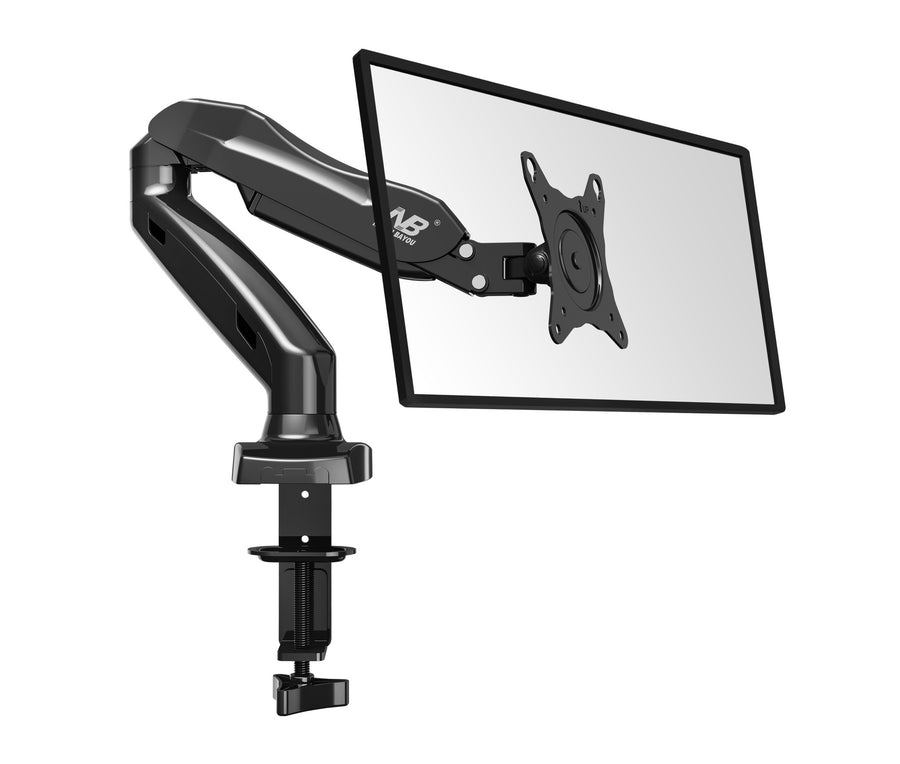
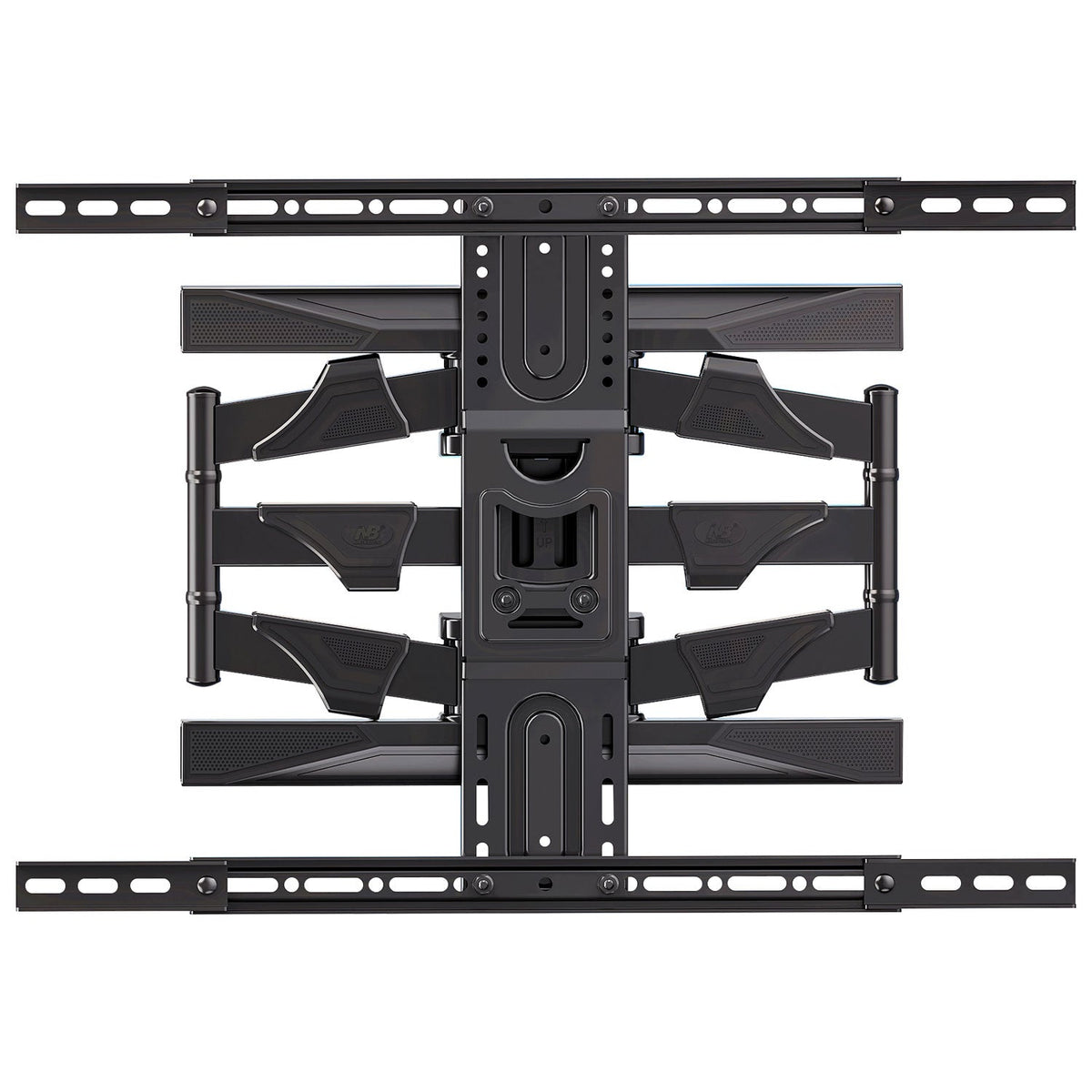
A mount fits when your screen’s VESA pattern is one the mount supports and your screen’s size and weight are within its limits. A few examples from our range:
For every screen size from 32 to 100 in, see our TV mount fit chart.

Universal mounts usually come with an assortment of screws, because TVs use different thread sizes, commonly M4, M6 or M8. Start each screw by hand: it should turn smoothly without forcing, and it should not bottom out in the hole. If the back of your TV is curved or the holes are recessed, use spacers so the bracket sits flat without pressing on the panel.
Some monitors have no mounting holes. Check the manufacturer’s accessories for a VESA adapter made for your model before you choose an arm.
Email your TV or monitor model to service@tvmountscanada.com and we will confirm which mount fits. Next, read our guide to choosing the right TV wall mount or the monitor arm buying guide.
TV Wall Mount
30–40 in · 11–22 lb
It looks great in photos, but heat and neck strain ruin a lot of fireplace TVs. Run these four checks first, then pick a mount that tilts or...
A TV mount is only as strong as what it is bolted to. Learn to find the centre of a wall stud in six simple steps, prove it...
Screen size is only one of three numbers that decide whether a mount fits. Use this chart to match your TV’s size, weight and VESA pattern to the...
Try the mount finder for an instant match, or send us your screen model and wall type and we'll recommend a mount.

