


Mounting a TV Above a Fireplace: 4 Checks to Do Before You Drill
It looks great in photos, but heat and neck strain ruin a lot of fireplace TVs. Run these four checks first, then pick a mount that tilts or...


How-to
A step-by-step guide to hanging a TV on a stud wall: the tools you need, the eight steps, the mistakes to avoid, and a video of a full-motion mount going up.
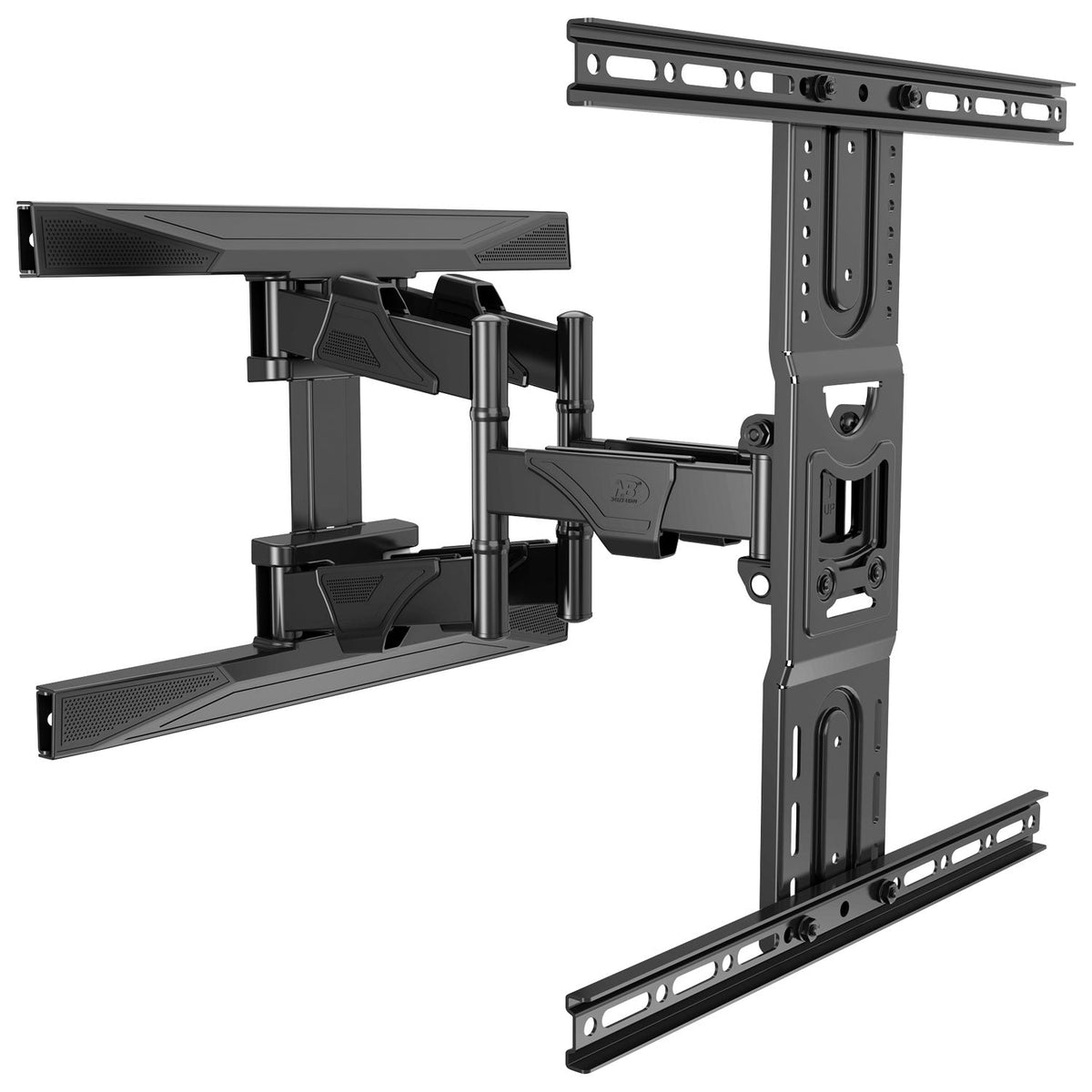
Hanging a TV is a one-hour job with two people and the right prep. Most of the horror stories come from skipping the boring parts: finding the studs, checking the level and reading which screw goes where. Here is the whole job, in order.
What you will need
Three checks save a second trip to the wall:
The hardware bag looks intimidating. It comes down to four things:
Mark the height you chose with a strip of painter’s tape. Then check your mount’s manual for where the wall plate sits relative to the centre of the screen. It is not always the same point.
Run the stud finder across the wall and mark both edges of each stud, so you know where the middle is. Studs are usually 16 in apart, centre to centre. Never used one? Our guide to using a stud finder shows every step, and how to find studs without one.
Hold the wall plate against the wall, set a level on it and mark the bolt holes over the stud centres. A plate that is slightly off level means a TV that is visibly crooked.
Drill pilot holes at your marks, in the size and depth your manual specifies. Wrap a strip of tape around the drill bit at that depth, so you know when to stop. Avoid drilling directly above or below outlets and switches, where wires usually run.
Drive the lag bolts through the plate into the studs with a socket wrench. Check the level once more before the final turns. Snug is right. Overtightening can strip the wood and weaken the hold.
Lay the TV face down on a blanket and screw the brackets into the VESA holes. Start each screw by hand. It should turn easily and stop firmly. If the back of the TV is curved or recessed, use the spacers in the hardware kit.
With one person on each side, lift the TV and hook the brackets onto the wall plate. Our NBC2 and NBC3 mounts and the DF70-T and DF80-T lock automatically as the TV drops into place, and release later with pull straps.
If your mount allows sideways adjustment, slide the screen until it is centred. Check the level one last time, then plug in. On a full-motion mount, leave enough cable slack for the arm to extend fully.

Still choosing? Read how to choose the right TV wall mount, try the mount finder, or browse all TV wall mounts. Every order ships free across Canada.
It looks great in photos, but heat and neck strain ruin a lot of fireplace TVs. Run these four checks first, then pick a mount that tilts or...
A TV mount is only as strong as what it is bolted to. Learn to find the centre of a wall stud in six simple steps, prove it...
Screen size is only one of three numbers that decide whether a mount fits. Use this chart to match your TV’s size, weight and VESA pattern to the...
Try the mount finder for an instant match, or send us your screen model and wall type and we'll recommend a mount.

